
Files Comments
Article ID: 83 | Rating: Unrated | Last Updated: Fri, Nov 24, 2017 at 1:02 PM
Web File Share provides a tool for attaching user's comments to files.
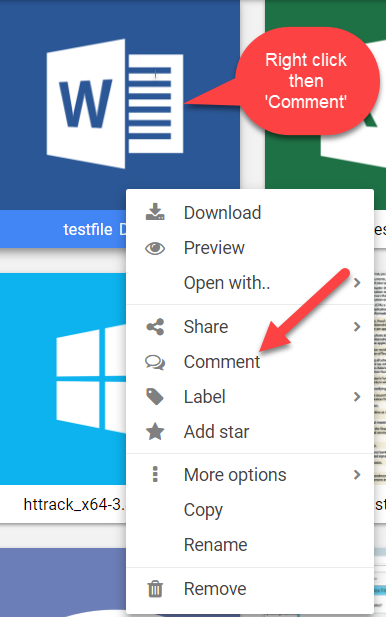
To read or add comments to a file follow these steps:
-
Select the file
-
Toggle the “Comments” tab available at the bottom of the file preview pane.
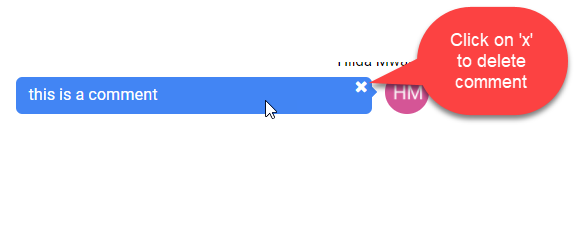
To remove a comment from the list select it and click the “X” button that is displayed on the right-hand side of the comment you are holding the mouse cursor over.


 Subscribe to Article
 Print Article
 Email Article to Friend
 Export to PDF
 Export to MS Word