
Installing Enterprise Organizer Pro
Article ID: 193 | Rating: Unrated | Last Updated: Thu, Feb 6, 2014 at 1:23 AM
1. Download Enterprise Organizer Pro
2. Double click on EOP to begin installation
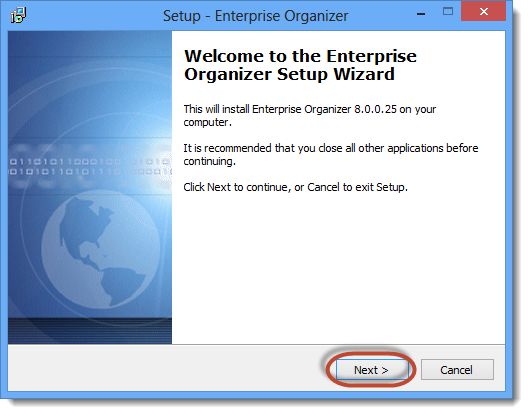
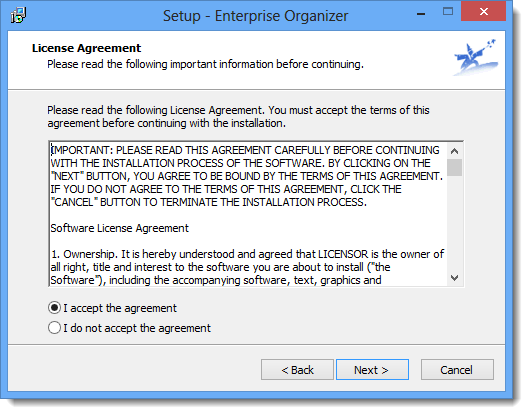
3. Accept the license agreement
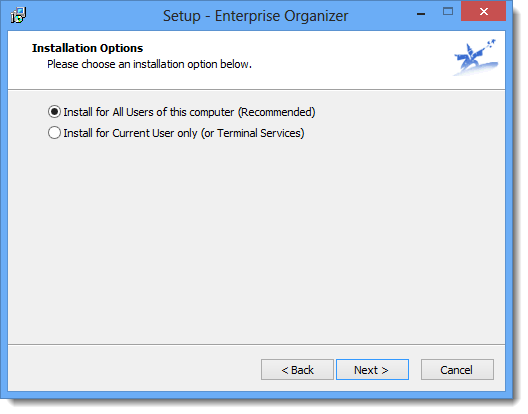
4. Choose your install option
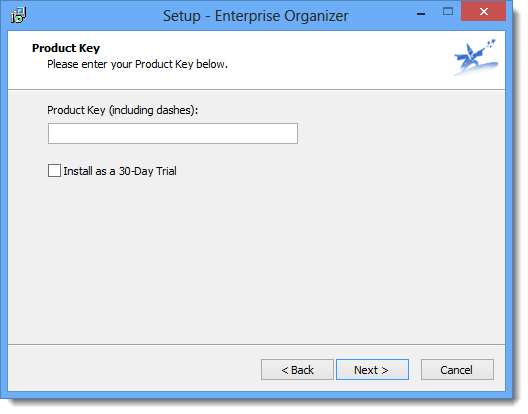
5. Enter your product key or select 30 day trial (if you would like to test it)
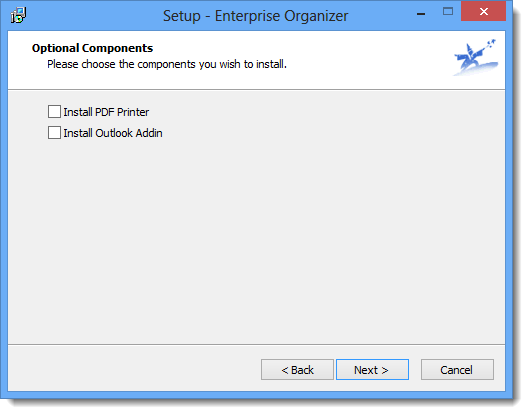
6. Select your components (optional)
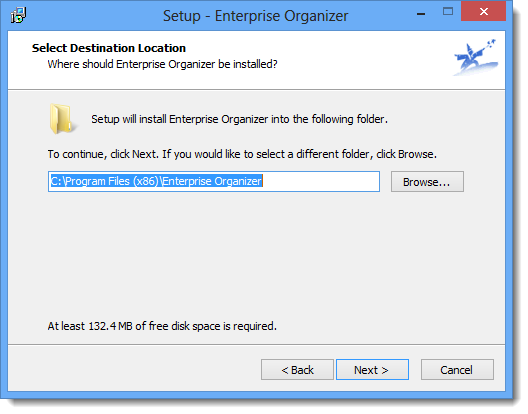
7. Select your location for install
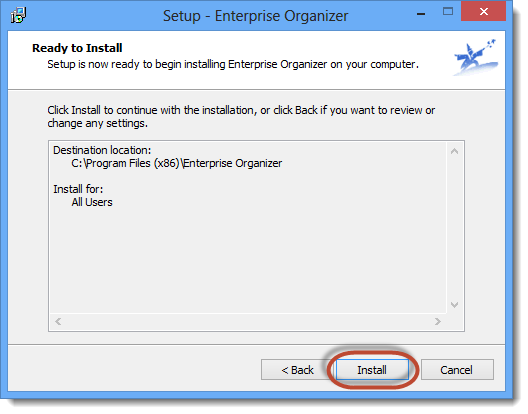
8. Click on the install button to begin Download
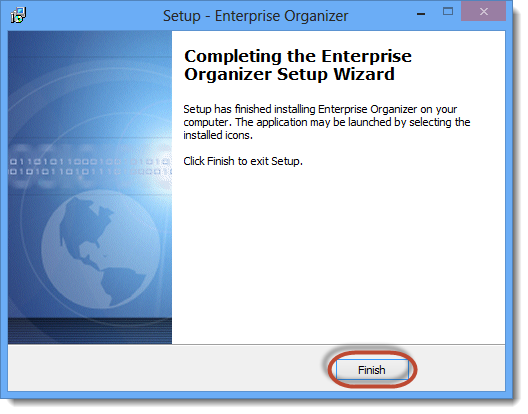
9. Hit the Finish button to complete the install


 Subscribe to Article
 Print Article
 Email Article to Friend
 Export to PDF
 Export to MS Word